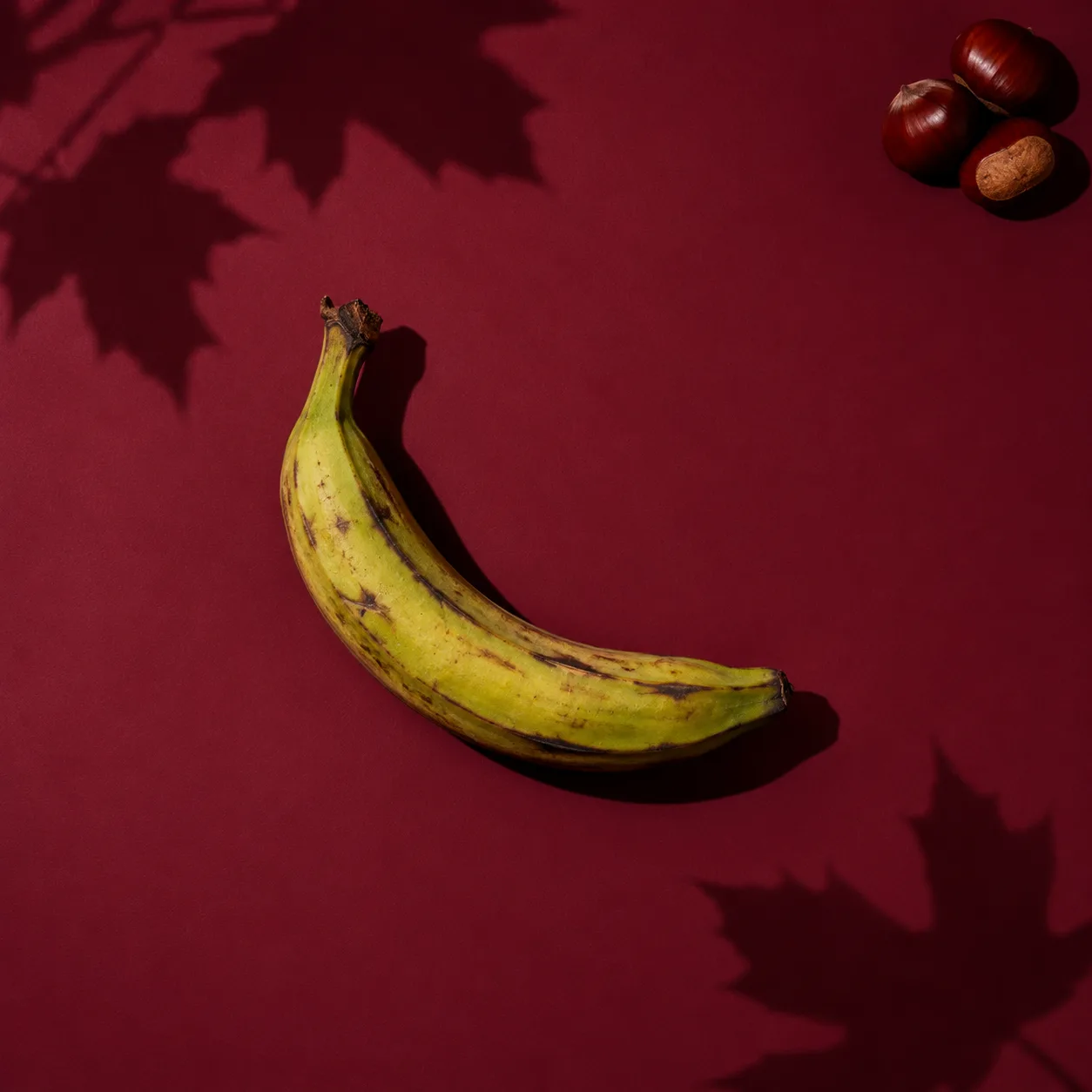
Burgundy Leaf Shadow
Your product rests on a matte burgundy studio surface with large maple leaf shadows and a small cluster of chestnuts at the far edge for Thanksgiving.
- Prompt type
- Product photo
- Shape
- Square (1:1)
- Setting
- Studio
- Lighting
- Dappled light
- Mood
- Graphic & bold
- Works in
- ChatGPT, Gemini, Midjourney & more
- License
- Free · Commercial use
Free AI prompt · Swap in your product · Commercial use
Ways to use the Burgundy Leaf Shadow prompt
The Burgundy Leaf Shadow prompt places your product in a studio scene with dappled light, shot from an overhead & flat lay angle. The overall feel is graphic & bold. It suits skincare & beauty, tech & gadgets and wellness & supplements products best.
As a square image (1:1), it works well for Etsy and Shopify listing photos, Instagram posts and marketplace thumbnails. It is also a natural fit for Thanksgiving promotions, gift guides and seasonal listings.
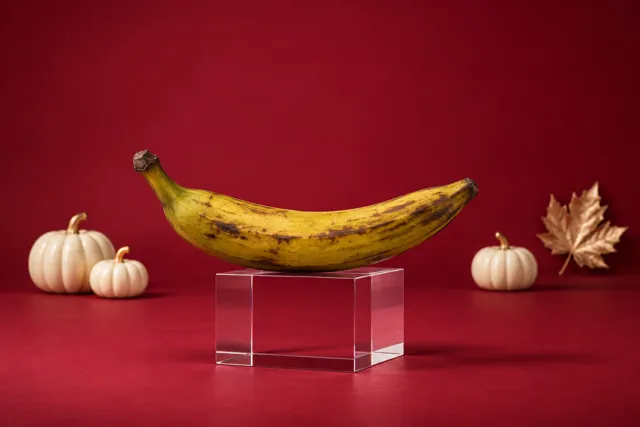
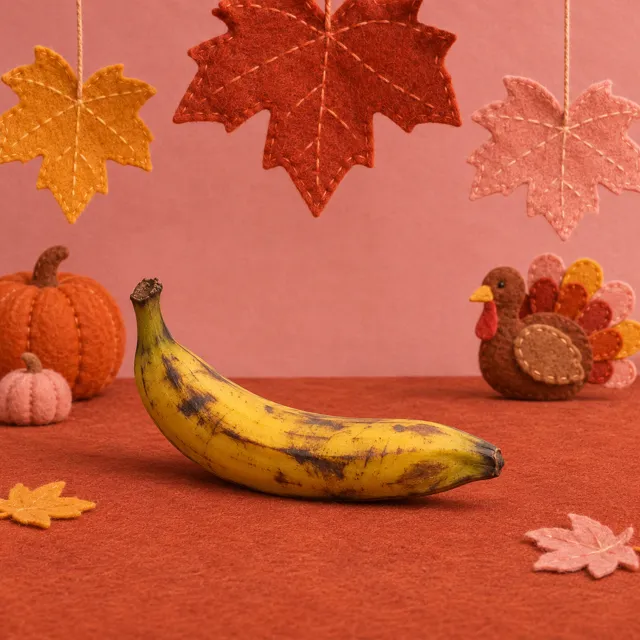
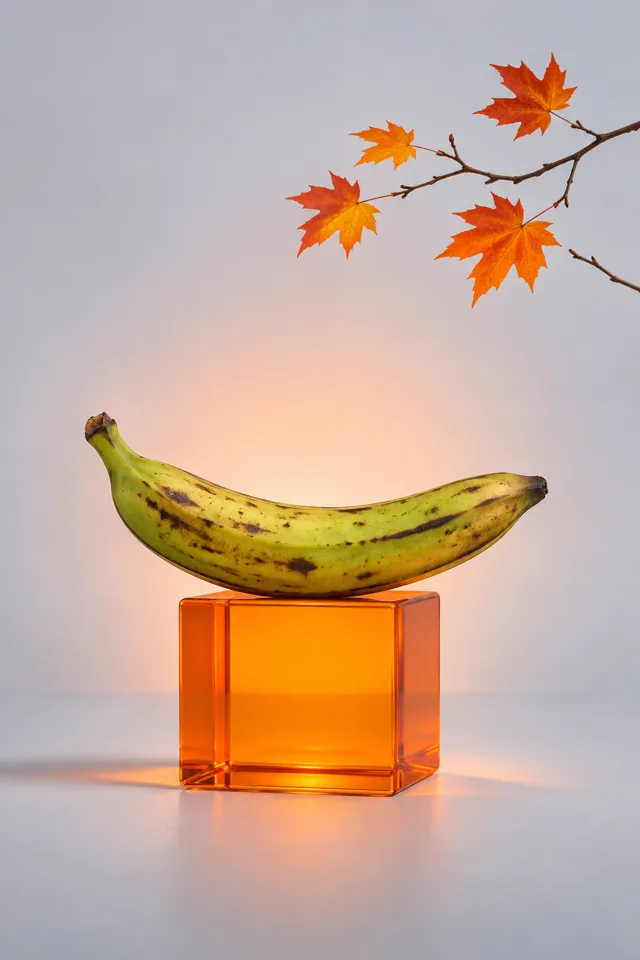
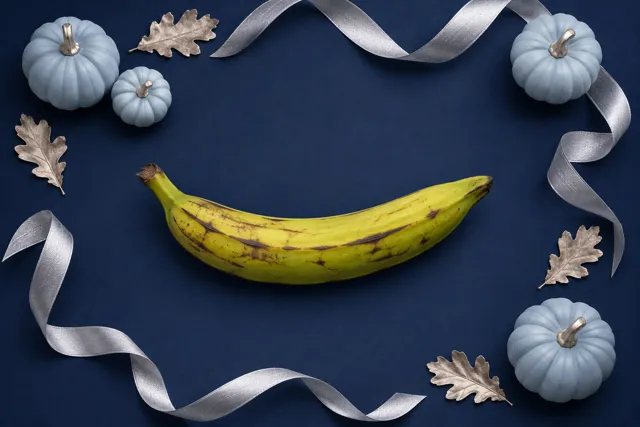
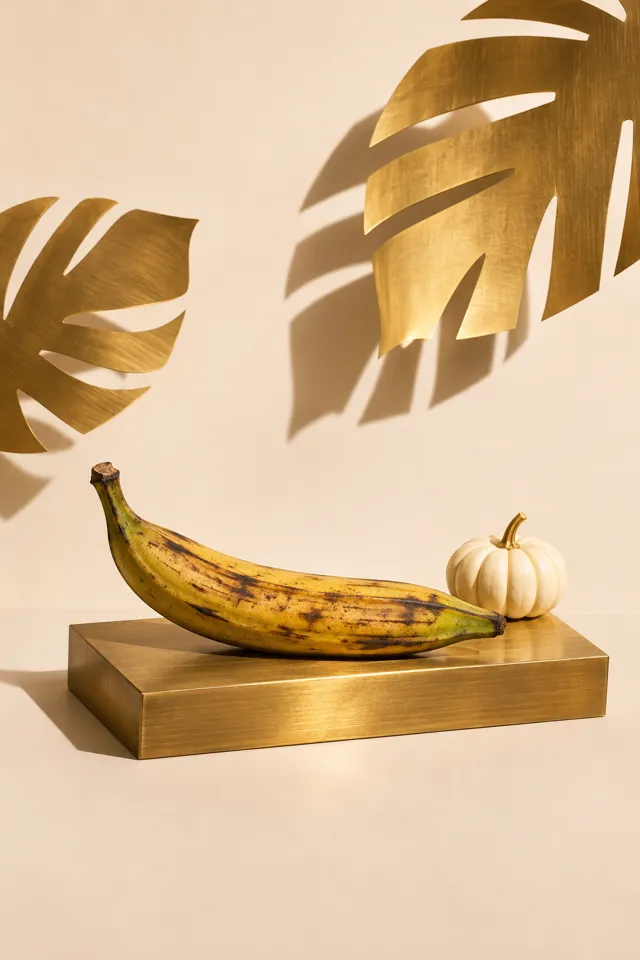
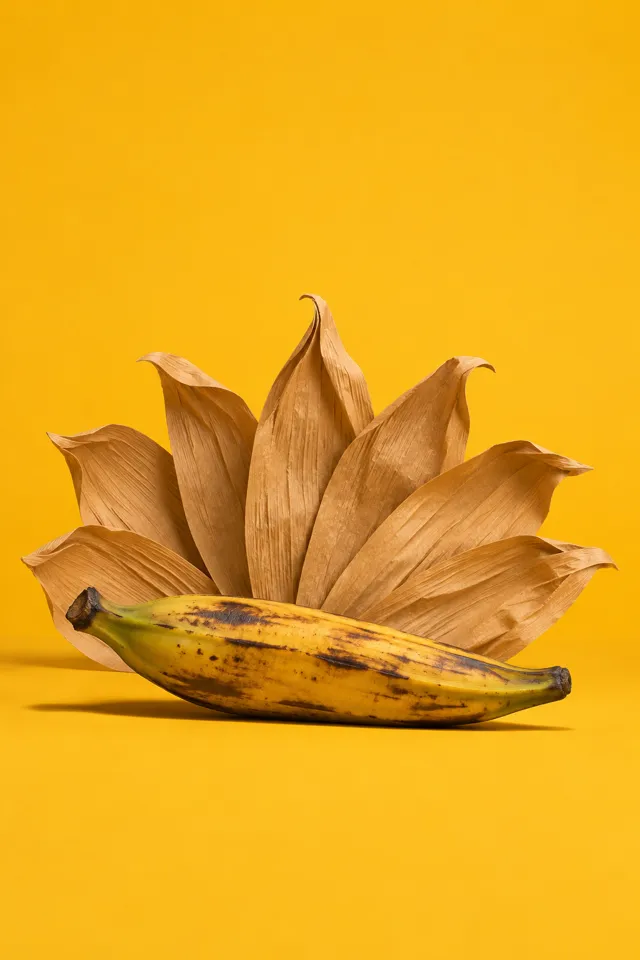
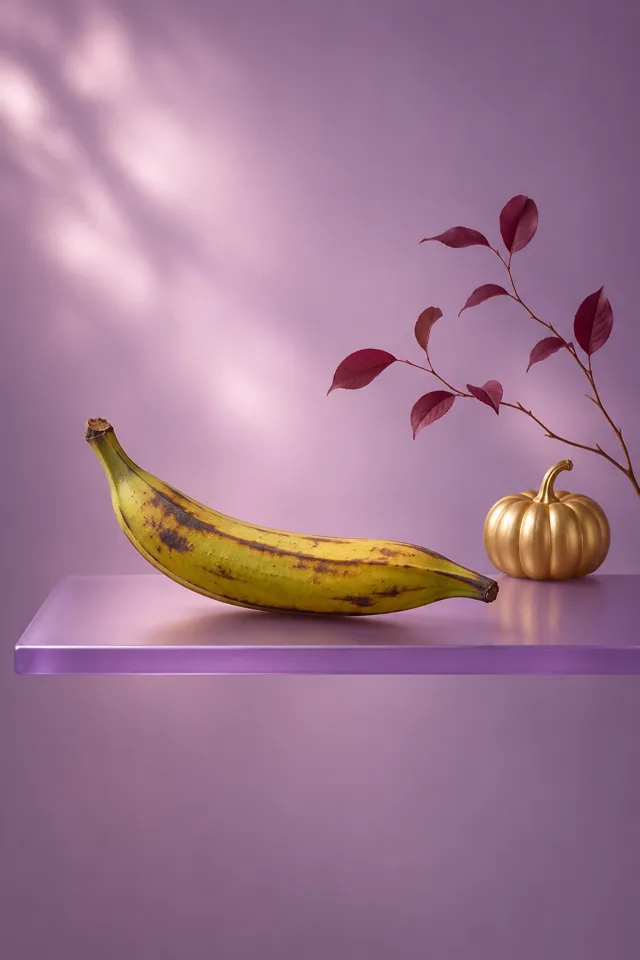
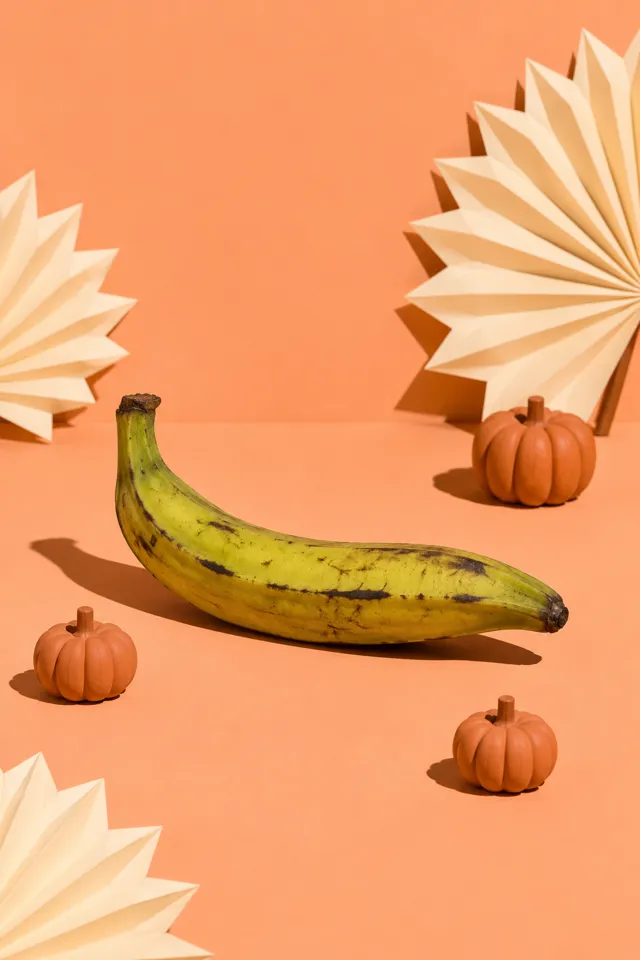
The prompt names only the product, never a specific brand or object, so the same scene works for anything you sell. The example image uses a plantain so you can judge the scene on its own.
Scene breakdown
Make it yours
- Attach a product photo: Upload a clear photo of your product with the prompt so the AI keeps its real shape, label and color. In Your product, describe it, e.g. “my amber candle jar from the attached photo”.
- Change the shape: This prompt asks for a square image. Change it to portrait (4:5) for Instagram and Pinterest, or landscape (16:9) for a website banner.
- Match your brand colors: The scene leans red and black. Swap the color words in the prompt for your own palette and keep everything else.
- Keep the light: The dappled light sets the mood of this scene. Keep that phrase when you change the background or props.
- Make a few versions: Generate two or three images and pick the best. Small changes, like the camera distance or one prop, give useful variety for a whole listing.
Using this prompt in your AI tool
| AI tool | How to add your product | Tip |
|---|---|---|
| ChatGPT | Attach a clear photo of your product, then paste the prompt. | Ask for small changes in follow-up messages, like “move it closer” or “warmer light”. |
| Google Gemini | Upload your product photo and paste the prompt in the same message. | Describe the product in Your product, e.g. “the blue bottle in my photo”. |
| Midjourney | Add your product photo as an image prompt, then the text. | Set the shape with --ar, e.g. --ar 4:5 for a portrait image. |
| Other image tools | Most accept a reference image plus text. | With no image upload, describe your product’s material, color and size instead. |
Free AI prompt · Commercial use included
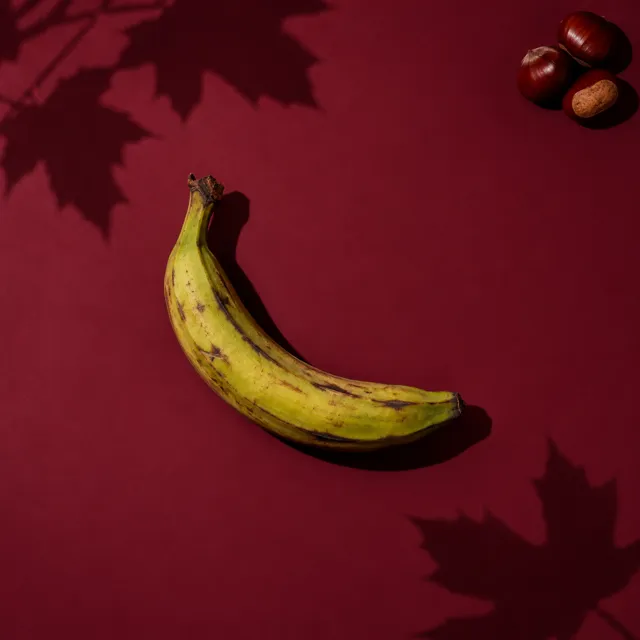
Burgundy Leaf Shadow
Make the following scene using a plantain: The product rests on a matte burgundy studio surface with large maple leaf shadows and a small cluster of chestnuts at the far edge for Thanksgiving. Use strong directional light, overhead photography, burgundy and black colors, and a restrained graphic mood. Create one square-format 1:1 product photograph with the entire product clearly visible, generous space on every side, and no text, logos, watermarks or people.
- Type your product. It's remembered for every prompt on the site.
- Copy the prompt.
- Paste it into ChatGPT, Gemini or your image tool, with a photo of your product attached.