Library Walnut Desk
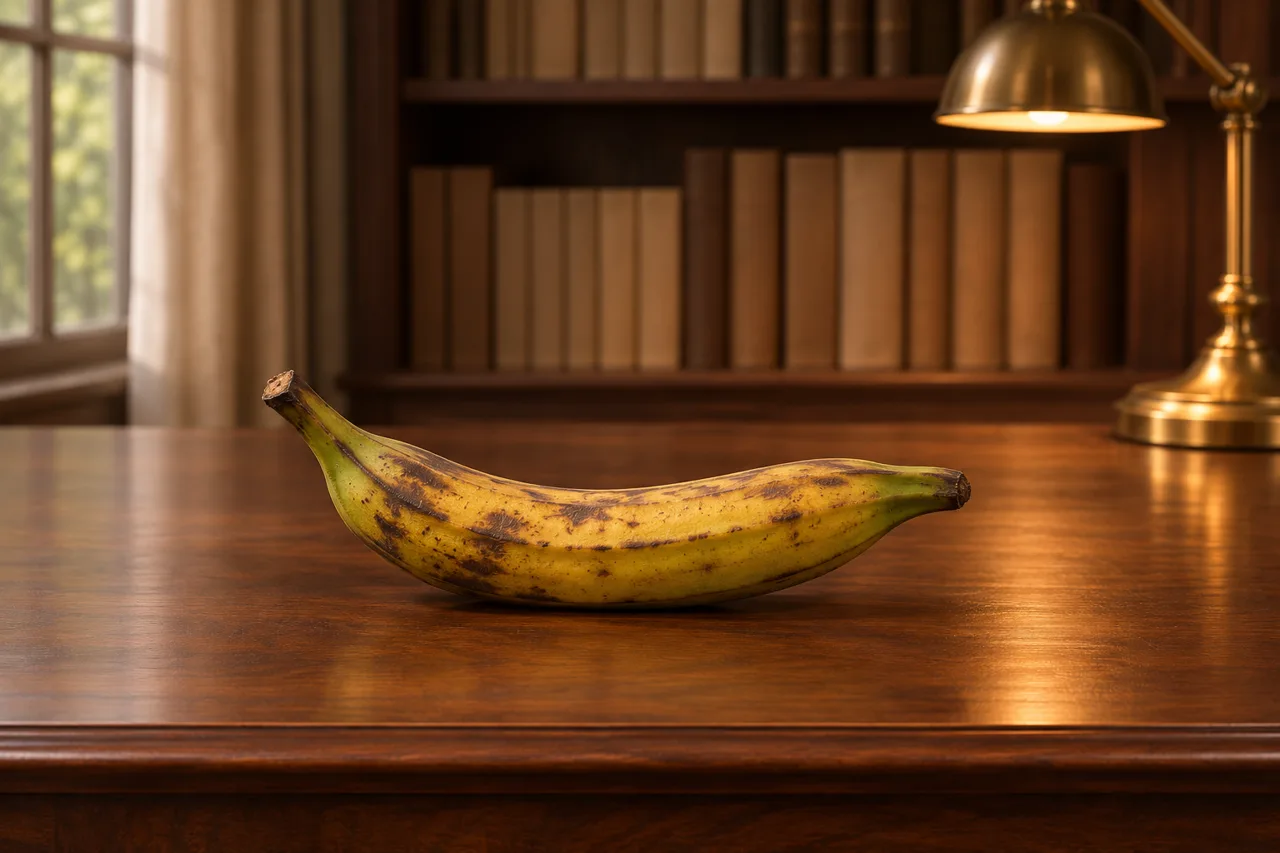
Your product rests on a polished walnut writing desk, with rows of blank-spined books and a brass desk lamp softly blurred behind it.
- Prompt type
- Product photo
- Shape
- Landscape (3:2)
- Setting
- Desk & office
- Mood
- Serene & calm
- Works in
- ChatGPT, Gemini, Midjourney & more
- License
- Free · Commercial use
Free AI prompt · Swap in your product · Commercial use
Ways to use the Library Walnut Desk prompt
The Library Walnut Desk prompt places your product in a desk & office scene, shot from an eye-level angle. The overall feel is serene & calm. It suits stationery & books, tech & gadgets, candles & home fragrance and handmade & crafts products best.
As a landscape image (3:2), it works well for website banners, hero images, email headers and Facebook or YouTube covers.
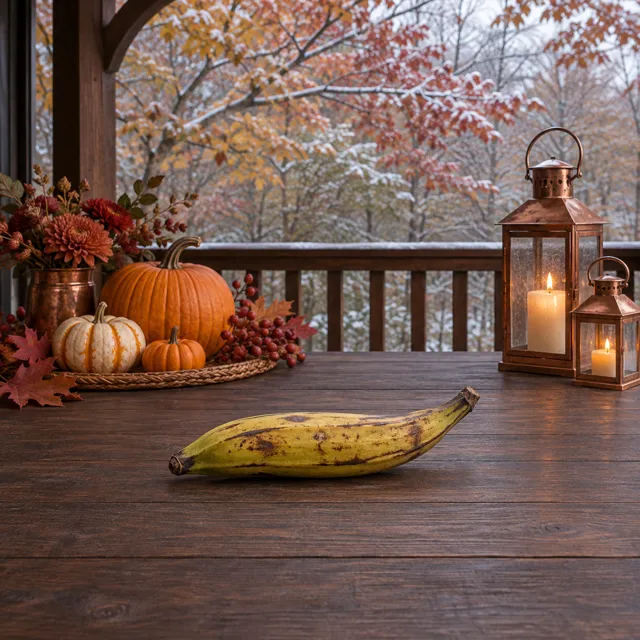
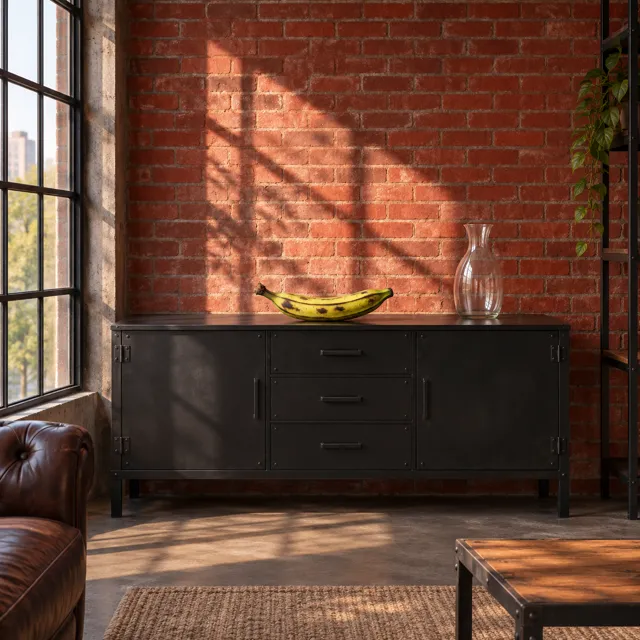
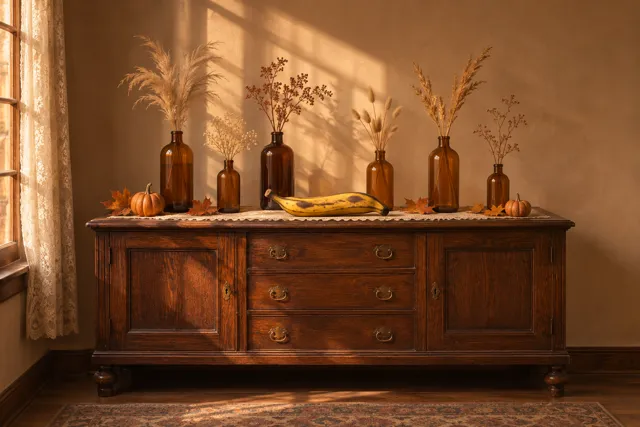
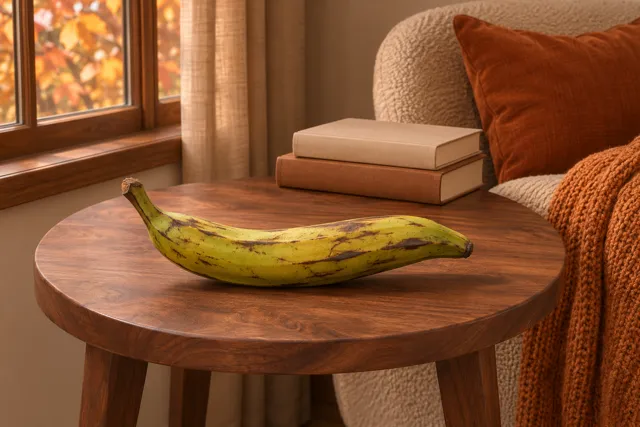
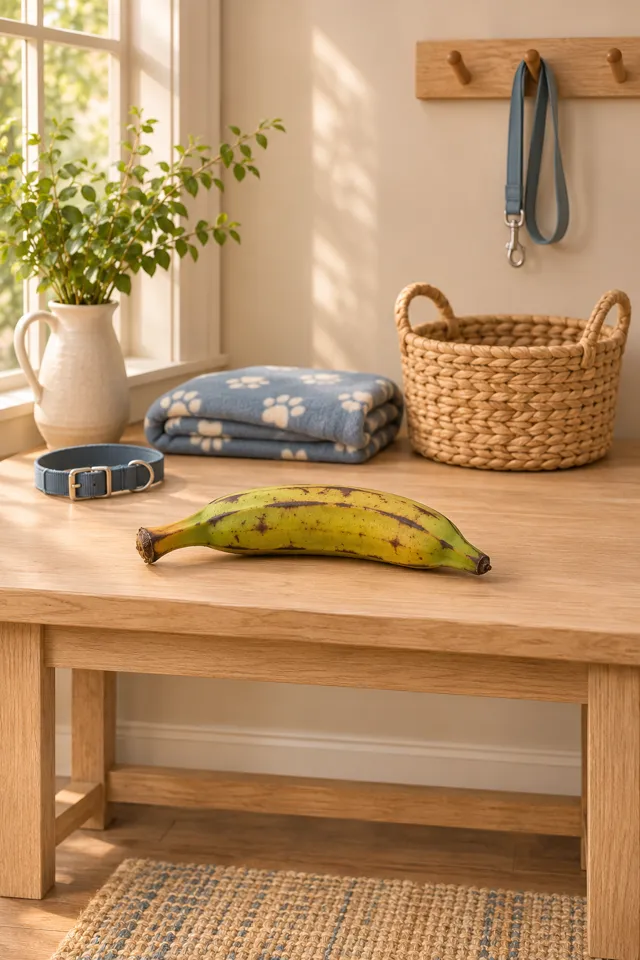
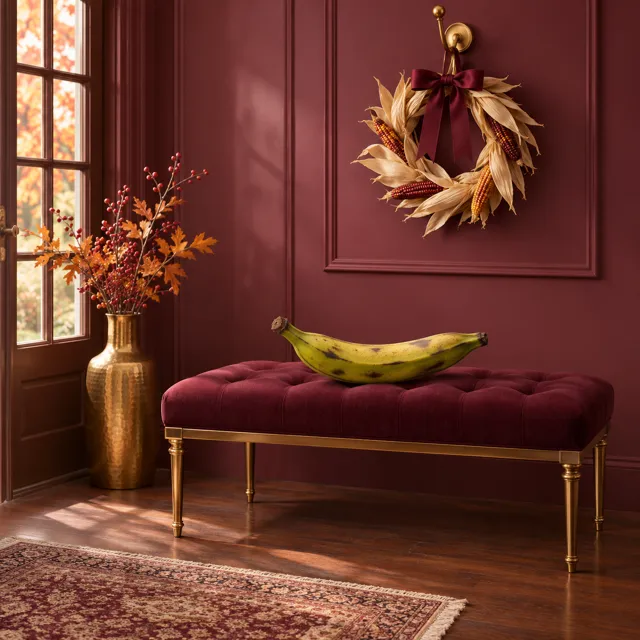
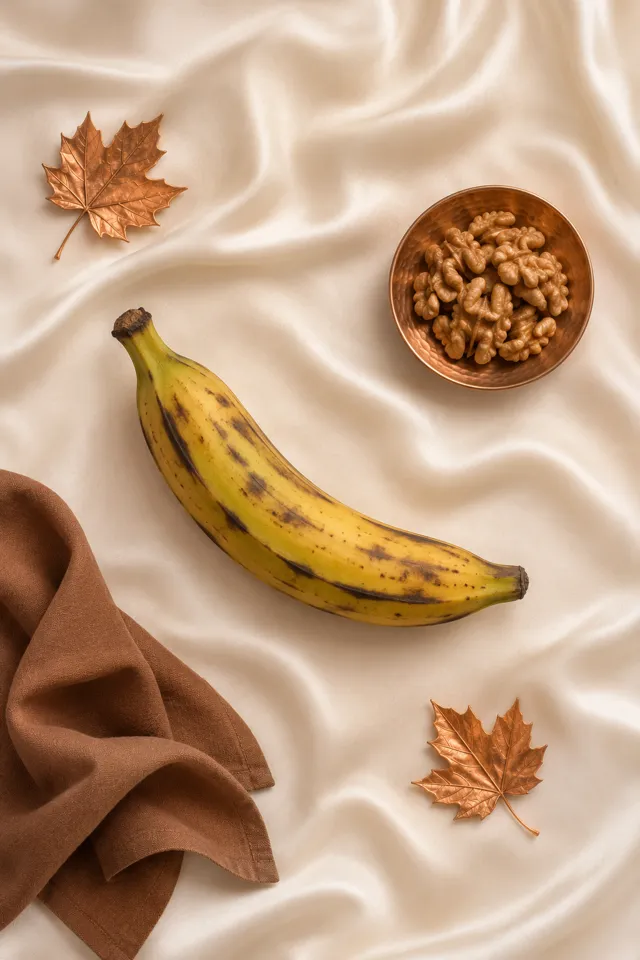
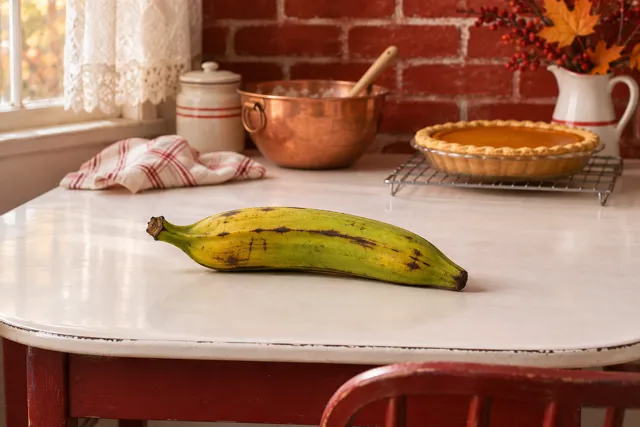
The prompt names only the product, never a specific brand or object, so the same scene works for anything you sell. The example image uses a plantain so you can judge the scene on its own.
Scene breakdown
Make it yours
- Attach a product photo: Upload a clear photo of your product with the prompt so the AI keeps its real shape, label and color. In Your product, describe it, e.g. “my amber candle jar from the attached photo”.
- Change the shape: This prompt asks for a landscape image. Change it to square (1:1) for marketplace listings, or portrait (4:5) for Instagram and Pinterest.
- Match your brand colors: The scene leans brown, black and gold & metallic. Swap the color words in the prompt for your own palette and keep everything else.
- Make a few versions: Generate two or three images and pick the best. Small changes, like the camera distance or one prop, give useful variety for a whole listing.
Using this prompt in your AI tool
| AI tool | How to add your product | Tip |
|---|---|---|
| ChatGPT | Attach a clear photo of your product, then paste the prompt. | Ask for small changes in follow-up messages, like “move it closer” or “warmer light”. |
| Google Gemini | Upload your product photo and paste the prompt in the same message. | Describe the product in Your product, e.g. “the blue bottle in my photo”. |
| Midjourney | Add your product photo as an image prompt, then the text. | Set the shape with --ar, e.g. --ar 4:5 for a portrait image. |
| Other image tools | Most accept a reference image plus text. | With no image upload, describe your product’s material, color and size instead. |
Free AI prompt · Commercial use included
Library Walnut Desk
Make the following scene using a plantain: The product rests on a polished walnut writing desk, with rows of blank-spined books and a brass desk lamp softly blurred behind it. Use warm lamplight and soft window fill, an eye-level view, brown and gold colors, and a quiet scholarly mood. Create one landscape-format 3:2 product photograph with the entire product clearly visible, generous space on every side, and no text, logos, watermarks or people.
- Type your product. It's remembered for every prompt on the site.
- Copy the prompt.
- Paste it into ChatGPT, Gemini or your image tool, with a photo of your product attached.